

Getting started with the Autodesk brand
Begin your journey by exploring the Autodesk Brand Guideline Presentation, which provides insights into how authorized partners can effectively incorporate the Autodesk brand into their marketing materials and web properties.
The guidelines are supplemented by Autodesk’s Brand Hub, which offers additional branding guidelines.
Leverage the Partner co-branding Power Point template to build presentations with an Autodesk look and feel.
State of Design and Make 2025
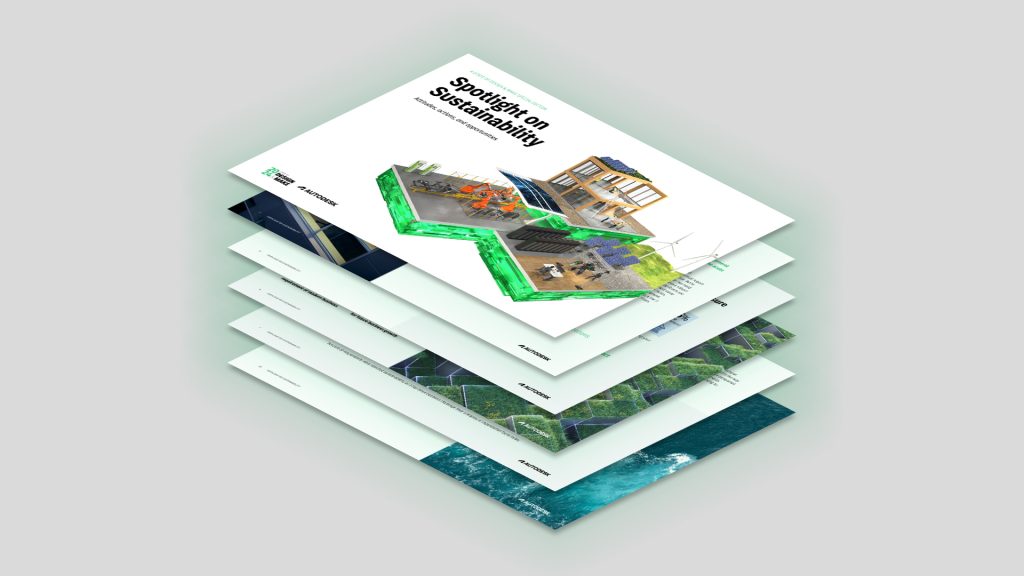
The State of Design and Make report is a global, annual study for industry leaders in the design and make space.
This year’s edition identifies the most pressing drivers of change that are influencing business decisions. One of the top insights is talent and the essential need for upskilling across all industries.
The data and recommendations included are highly relevant for the Learning Partner community and can be leveraged in customer conversations about training.
Autodesk web properties
Brand Hub
On the Autodesk Brand Hub website you can review the guidelines to ensure the Autodesk brand is accurately and consistently portrayed in all your communications.
 Brand Hub
Partner Finder
Autodesk Learning Partners can apply to be listed on the Partner Finder page, an additional search tool on Autodesk.com that provides customers with more options for finding support and services from authorized partners.
We strongly recommend all partners apply for this listing. Our team at your regional distributor can help with the process.
Social media
Autodesk has an extensive presence on social media. Follow their channels and tag them on your own posts to amplify your reach.
Go to the Learning Partner assets page next to download the various assets and toolkits exclusively available to Learning Partners.